
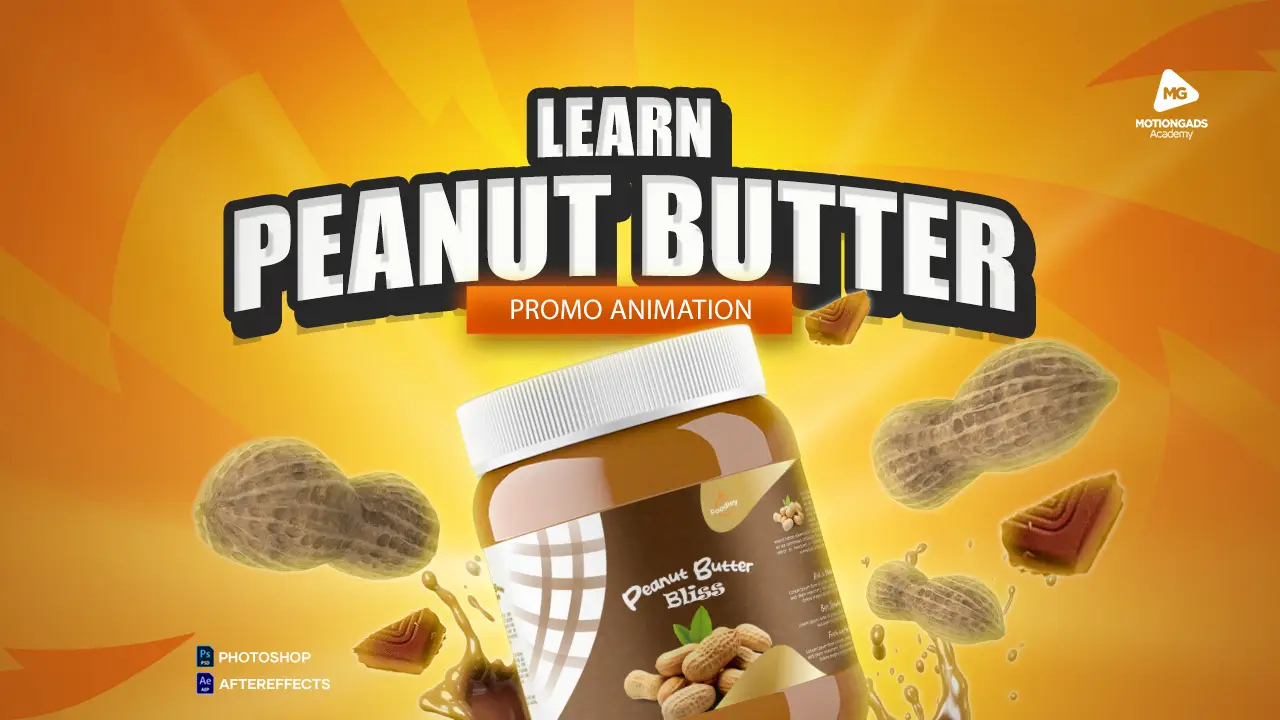
Course Description
This professional course provides a comprehensive, scene-by-scene walkthrough of designing and animating a high-quality commercial using Adobe After Effects. Cantered around a peanut butter advertisement, learners will master industry-standard animation techniques, composition structuring, asset import/export, timing, layering, and audio synchronization. By the end of the course, participants will have developed a fully animated commercial, ready for professional deployment across digital media.
The course is designed for intermediate motion designers, animators, and creative professionals with basic familiarity with After Effects who want to deepen their skills in commercial animation workflows.
Learning Outcomes
By completing this course, learners will be able to:
-
Structure multi-scene compositions effectively in After Effects.
-
Import and manage assets from Illustrator, Photoshop, and external libraries.
-
Animate graphics using keyframes, null objects, and expressions.
-
Apply plug-ins (e.g., JC Animation Creator) for efficient motion effects.
-
Sync visuals with audio cues to enhance engagement.
-
Use masking, parenting, and layering to organize complex animations.
-
Render optimized videos using Render Queue and Adobe Media Encoder.
Course Modules and Production Steps
Module 1: Project Setup and Scene 1
-
Create the main and individual scene compositions.
-
Import essential assets (jar, background, music).
-
Animate the peanut butter jar (scale, rotation).
-
Add intro texts (“Indulge”, “Indulge in the ultimate”, “Duo of rich”).
-
Synchronize with audio using JC Animation Creator.
-
Apply smooth transitions and visual effects (e.g., light rays, splash animation).
Module 2: Scene 2 – Chocolate and Peanut Shell Animation
-
Design spiral animations using Illustrator and Overlord plug-in.
-
Pre-compose peanut, shell, and chocolate bar.
-
Use “Trace Path” and parenting for dynamic motion along spiral paths.
-
Sequential animation timing and layering.
-
Integrate text overlays: “Velvety Chocolate” and “Creamy Peanut”.
-
Add motion blur and splash effects for realism.
Module 3: Scene 3 – Label Reveal on Jar
-
Import peanut butter jar PSD with preserved layer styles.
-
Apply offset animation to simulate label rotation.
-
Use keyframe interpolation and graph editor for refined easing.
-
Integrate pop-up animation on jar reveal.
-
Synchronize new splash effects and layered text transitions.
Module 4: Scene 4 – Bread Bite and Call-to-Action Integration
-
Import and animate bread layers with typewriter text effect.
-
Simulate “bite” animation using keyframes and null objects.
-
Coordinate timing for layered text (“Irresistible Bites”, “In One Bite”) with bread motion.
-
Animate outro sequences for text and elements with JC Animator tools.
-
Construct a dynamic call-to-action: “Don’t Miss Out”.
-
Group and parent jar elements to a null object for synchronized motion.
-
Rotate, scale, and align entry/exit sequences.
-
Animate “Don’t Miss Out” text appearance and dismissal with motion blur for smoothness
Module 6: Scene 5 – Final Scene and Closing Text
-
Extend main composition to accommodate final visuals.
-
Import table, jars, and shadows; align and animate using parenting.
-
Add call-to-action text: “Grab your jar of heaven today” and “Available in all stores”.
-
Layer the try-now button with animated entrance.
-
Apply typewriter and blur effects for polish.
Module 6: Exporting Your Animation
-
Method 1: Render Queue with H.264 format for MP4.
-
Method 2: Adobe Media Encoder for compressed, high-quality output.
-
Use bitrate and encoding settings for web/social optimization.
Bonus Content
-
Asset preparation workflows (Photoshop & Illustrator)
-
Troubleshooting rendering issues
-
Access to JC Animation Creator plug-in setup
Course Features
- Lectures 7
- Quiz 0
- Duration 3 weeks
- Skill level Beginner
- Language English
- Students 30
- Certificate No
- Assessments Yes
Curriculum
- 1 Section
- 7 Lessons
- 3 Weeks
- Lessons7
- 1.1Module 1: Project Setup, Main scene and Scene 1
- 1.2Module 2: Scene 2 – Chocolate and Peanut Shell Animation
- 1.3Module 3: Scene 3 – Label Reveal on Jar
- 1.4Module 4: Scene 4 – Bread Bite and Call-to-Action Integration
- 1.5Module 5: Scene 5 – Final Scene and Closing Text
- 1.6Module 6: Exporting Your Animation
- 1.7Module 5: Scene 5 – Final Scene and Closing Text